
Short answer: To take salon bookings on WhatsApp, connect your salon’s number to Meta’s official WhatsApp Business Platform through a tool such as AiBukko, let a booking bot offer available slots in the chat, confirm the booking, and send an automatic reminder before the appointment. Clients book in the app they already use, and your team sees every booking in one place.
Walk into almost any salon in India and you’ll see the same thing: a phone at the reception desk buzzing with WhatsApp messages. “Any slot for a haircut at 5?” “Can I move my facial to Sunday?” “What’s the offer this week?” The receptionist answers between clients, writes the booking in a register or a notebook, and hopes nothing gets missed.
That works until the salon gets busy. Then messages go unanswered for hours, two clients are booked into the same chair, and the person who asked about Sunday quietly books somewhere else. This guide shows how to turn WhatsApp from a busy inbox into a proper booking system.
Why WhatsApp is the natural booking channel for salons
Your clients are already messaging you on WhatsApp. Asking them to download a separate booking app or fill in a long web form adds friction, and many simply won’t. Booking in the chat removes that step:
- The client asks for a slot in the same conversation where they already talk to you.
- They get a confirmation straight away, even if your receptionist is busy with a walk-in.
- The booking, the reminder and any follow-up all live in one chat thread.
What you need before you start
- A WhatsApp number for the salon. Ideally the number your clients already know. Meta now allows a WhatsApp Business app number to be connected to the Cloud API while you keep using the app on your phone (Meta calls this onboarding “Coexistence”). If you want to keep your current number, ask about it during your demo.
- A Meta business portfolio. Meta requires one to use the WhatsApp Business Platform. Meta also asks businesses to verify their details, so keep your registration documents handy. We walk you through what is needed during your AiBukko demo.
- Your service menu and staff schedule. Services, how long each takes, and who works when.
- Client opt-in. Meta’s policy requires that clients have given you their number and agreed to hear from your business. A client who messages you to book has started the conversation; for reminders and offers later, record their agreement clearly.
Step by step: set up WhatsApp bookings with AiBukko
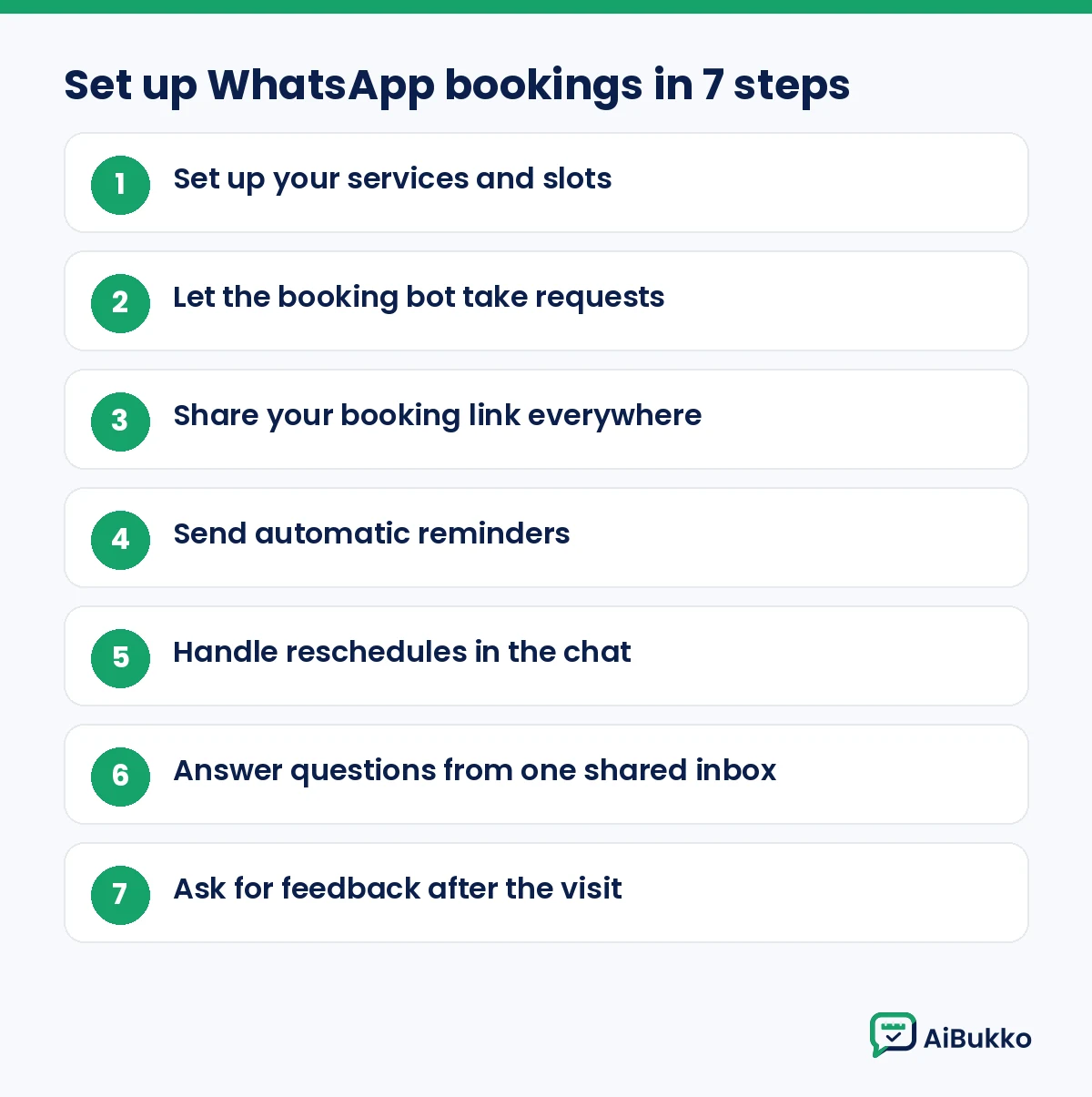
1. Set up your services and slots
List each service with its duration. A blow-dry might take 30 minutes, a colour treatment two hours. Write down your working hours and days off too. Having this list ready before you start makes it far easier for the bot to offer only the slots you can actually serve.
2. Let the booking bot take requests
When a client messages “Book,” the AiBukko WhatsApp bot asks what they’d like, offers available times and confirms the slot. Your team doesn’t need to type every reply. See WhatsApp booking for how this works.
Because the bot replies in the chat, clients get an answer straight away, and your team steps in only when a conversation needs a person.
3. Share your booking link everywhere
Put a click-to-chat link on your Instagram bio, Google Business Profile and website, and print a QR code for the reception desk and mirrors. WhatsApp itself supports click-to-chat links (wa.me followed by your number), and any QR code generator can turn that link into a printable code.
4. Send automatic reminders
Before each appointment, AiBukko sends a reminder using a template approved by Meta. Messages your business starts outside a 24-hour window after the client’s last message must be approved templates, which is why reminders are set up as templates. See WhatsApp appointment reminders.
5. Handle reschedules in the chat
Clients cancel. It’s better they move the slot than simply not turn up. The AiBukko bot handles rescheduling requests, so the freed slot can go to someone else. Mention in your reminder that clients can simply reply to reschedule.
6. Answer questions from one shared inbox
Not every message is a booking. “Do you do keratin?” “Is parking available?” These land in AiBukko’s shared multi-agent inbox, so your receptionist, manager or owner can reply from the same salon number on different devices. See WhatsApp customer support.
7. Ask for feedback after the visit
A short message after the appointment (“How was your visit with us today?”) gives you feedback while it’s fresh. AiBukko collects this feedback automatically.
Booking message examples you can adapt
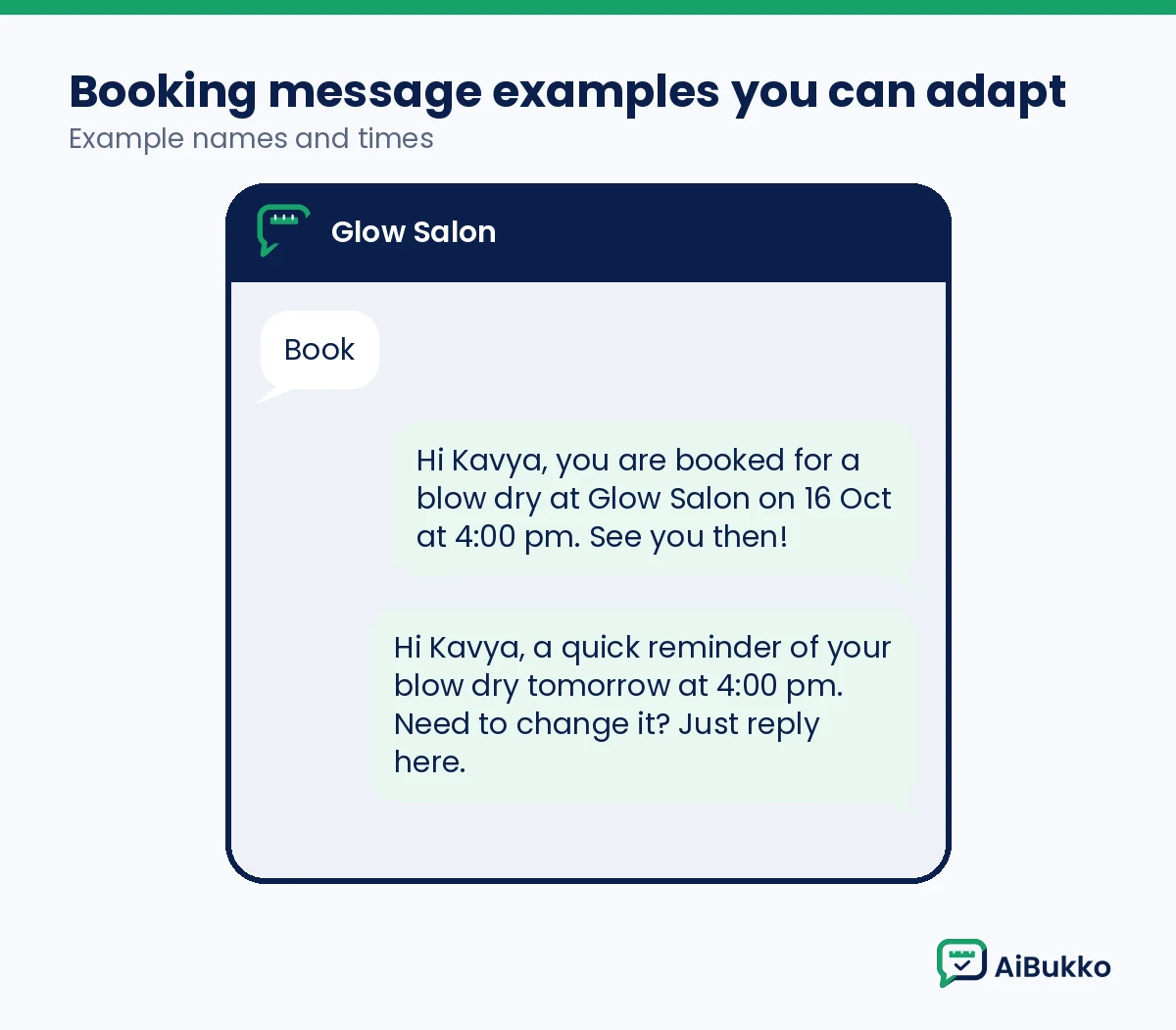
Booking confirmation
Hi {{name}}, you’re booked for {{service}} at {{salon}} on {{date}} at {{time}}. See you then!Reminder
Hi {{name}}, a quick reminder of your {{service}} tomorrow at {{time}}. Need to change it? Just reply here.Feedback
Thanks for visiting {{salon}} today, {{name}}! How did we do? Reply with a rating from 1 to 5.
Meta reviews templates before they can be sent, so wording may need small edits.
Bring clients back with campaigns (the right way)
Bookings are the start. The other half of a salon’s business is repeat visits: the client who comes for a haircut every six weeks, or the bride who returns for her family’s functions.
AiBukko lets you run WhatsApp marketing campaigns to clients who have agreed to receive offers: festive packages, a new stylist joining, or slots open on a slow weekday. A few rules keep this healthy:
- Only message people who opted in. Meta suggests getting opt-in that covers the kinds of messages you’ll send (for example, booking updates and offers), or separate opt-ins per category.
- Make opting out easy, and honour it. Meta’s policy requires you to respect every opt-out request.
- Keep it relevant and occasional. Clients can block or report a business, and Meta can limit businesses that get a lot of negative feedback.
Marketing messages use Meta’s marketing template category, and Meta also limits how many marketing templates a single person can receive from businesses. More detail is in our guide to whether bulk WhatsApp marketing is legal in India. See also WhatsApp marketing campaigns.
A good rhythm for most salons is one useful message at a time: a festive offer, a new service, or a gentle nudge to clients who have not visited in a while. Each campaign goes out as an approved marketing template.
Common mistakes salons make with WhatsApp bookings
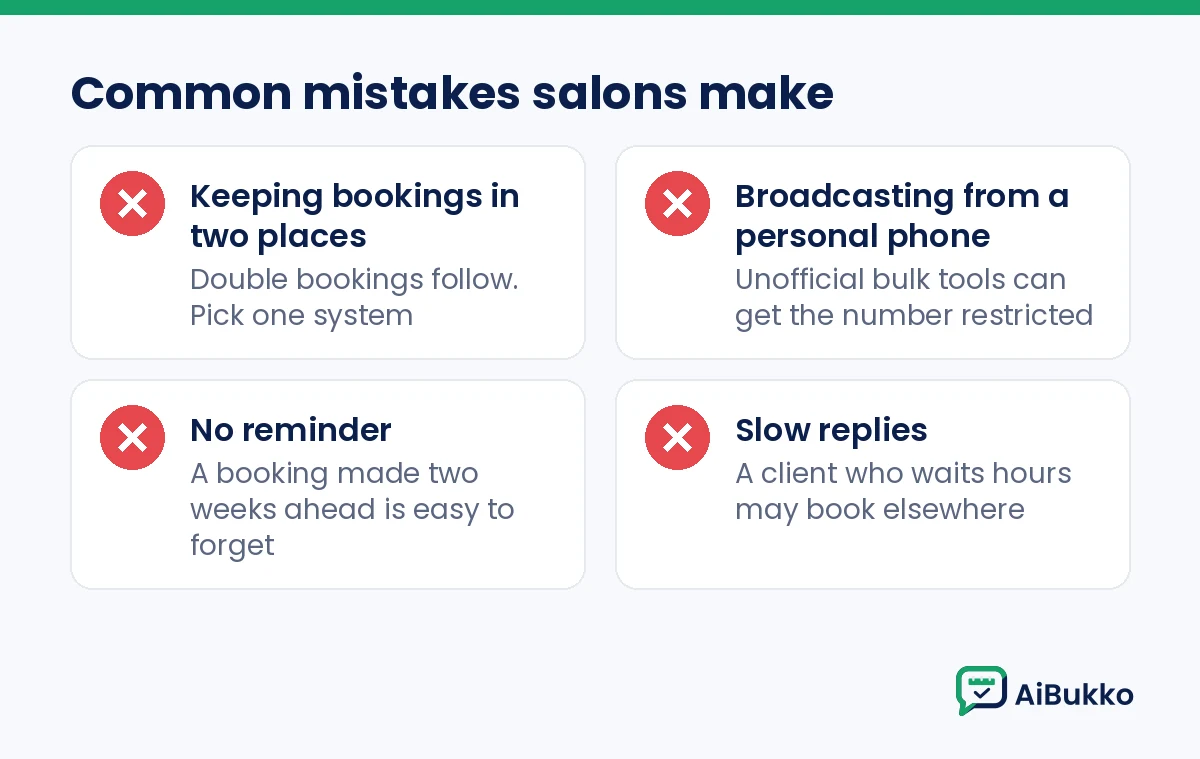
- Keeping bookings in two places. If some bookings are in the notebook and some in WhatsApp, double bookings follow. Pick one system.
- Broadcasting from a personal phone. Unofficial bulk tools break WhatsApp’s terms and can get the salon’s number restricted.
- No reminder. A booking made two weeks ahead is easy to forget.
- Slow replies. A client who waits hours for an answer may book elsewhere. A bot for the routine questions and a shared inbox for the rest prevents this.
Frequently asked questions
Can clients book a salon appointment on WhatsApp without an app?
Yes. They book in the WhatsApp chat they already use. There’s nothing extra to download.
Do I need the WhatsApp Business API to take salon bookings?
You can take bookings by hand on the WhatsApp Business app. To automate bookings, reminders and campaigns, and to let several staff reply from one number, you need the WhatsApp Business Platform (API), which AiBukko is built on.
Can I keep using my salon’s existing WhatsApp number?
Meta supports connecting an existing WhatsApp Business app number to the API through an onboarding option it calls Coexistence. Ask during your AiBukko demo how this would work for your salon’s number.
Can clients reschedule on WhatsApp?
Yes. The AiBukko bot handles rescheduling requests in the same chat, so the client moves the slot instead of missing it.
Can AiBukko send reminders and collect feedback?
Yes. AiBukko sends appointment reminders on approved templates and can collect feedback after the visit.
Next steps
See how AiBukko works for salons, or book a demo to see a WhatsApp booking from the client’s side and the salon’s side.
Sources
- WhatsApp Business Messaging Policy (opt-in, opt-out, templates, 24-hour window, enforcement): https://business.whatsapp.com/policy
- Meta, Get opt-in for WhatsApp: https://developers.facebook.com/docs/whatsapp/overview/getting-opt-in
- Meta, Onboard WhatsApp Business app users (Coexistence): https://developers.facebook.com/documentation/business-messaging/whatsapp/embedded-signup/onboarding-business-app-users
- Meta, About the WhatsApp Business Platform (business portfolio requirement): https://developers.facebook.com/docs/whatsapp/overview/
- Meta, Template fundamentals (review, per-user marketing template limits): https://developers.facebook.com/documentation/business-messaging/whatsapp/templates/overview
- WhatsApp Help Center, How to use click to chat: https://faq.whatsapp.com/5913398998672934
Leave a Reply